
Practical use and limits
Use it for: Install and evaluate the toolkit in a disposable AWS account with an explicit profile, read-only permissions, CloudTrail review, fixed tasks, and infrastructure checks before adding narrowly scoped write access.
Limits: AWS CLI commands, supported agents, skills, regions, and MCP capabilities can change. Vendor-maintained guidance does not replace IAM, organizational policy, cost controls, or human deployment review.
What AWS added#
AWS published a new hands-on guide on August 26, 2026 for configuring the Agent Toolkit through the AWS CLI. With AWS CLI version 2.35.0 or newer, `aws configure agent-toolkit` detects supported local coding agents, installs a default set of AWS skills, and configures a connection to the AWS MCP Server. AWS lists tools including Kiro, Claude Code, Codex, and Cursor. The value proposition is current service knowledge plus an auditable path to AWS APIs, but installation convenience should not be confused with permission safety.
Skills and MCP solve different problems#
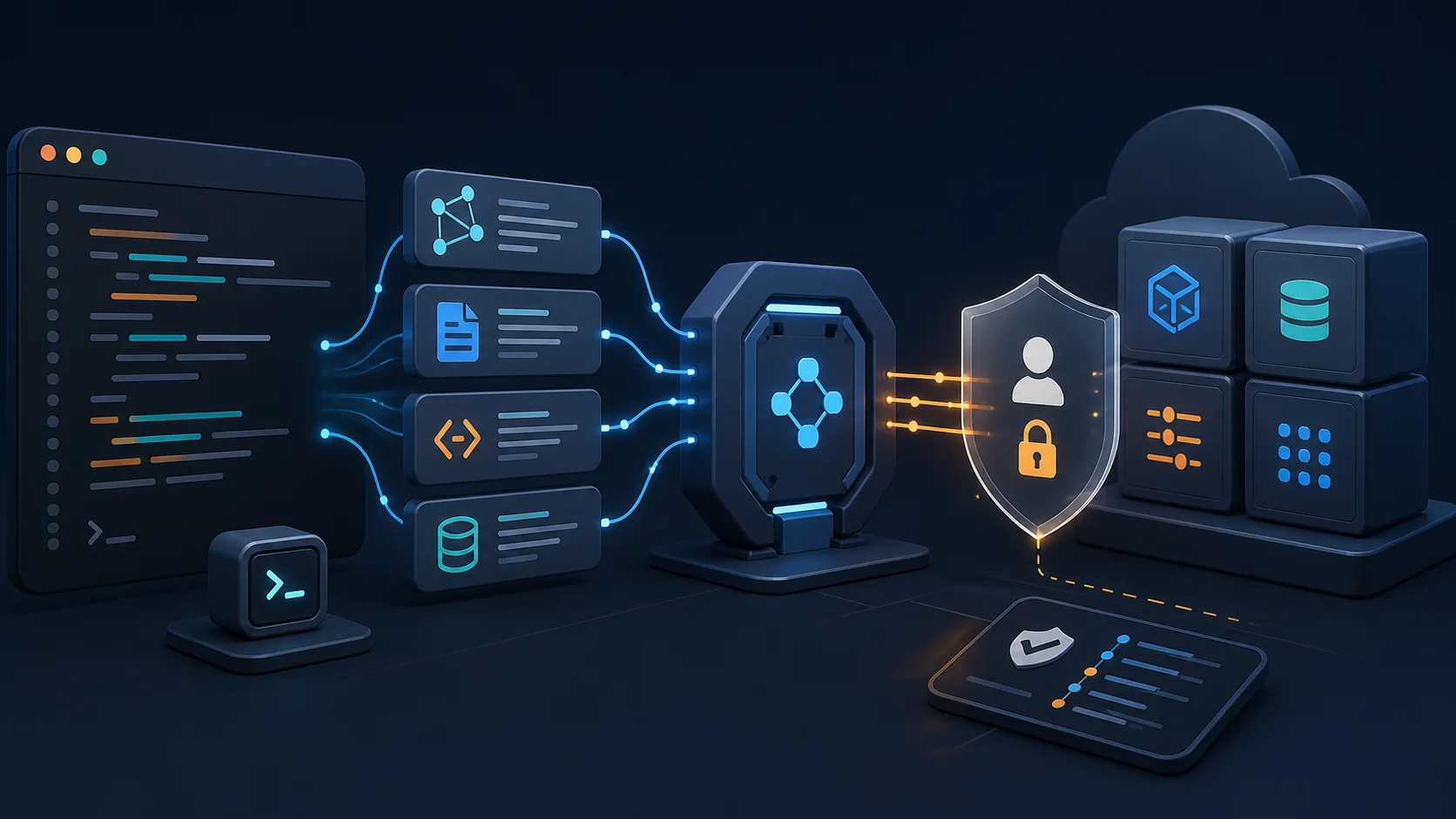
An AWS skill is curated guidance—typically instructions and references that help an agent choose services, use current APIs, and follow known patterns. The AWS MCP Server is an execution and discovery interface that can search documentation, list resources, and call AWS APIs under AWS credentials. A skill can improve a plan without granting authority. MCP can expose real authority, limited by the credentials and server controls. Reviewing these layers separately prevents a common mistake: trusting useful documentation as if it were an access-control mechanism.
The basic CLI workflow#
After upgrading and confirming `aws --version`, run `aws configure agent-toolkit` for the interactive setup or `aws configure agent-toolkit --yes` in a controlled non-interactive environment. Inspect installed guidance with `aws agent-toolkit list-installed-skills`, search the catalog with `aws agent-toolkit search-skills --search-query <term>`, and add, update, or remove a named skill with the corresponding `add-skill`, `update-skill`, or `remove-skill` command. Start a new agent session after changes so it loads the updated configuration. Command names and support can evolve, so verify against the current AWS user guide before automation.
IAM remains the real authority boundary#
The agent can do only what the active AWS identity and surrounding tools permit, which makes profile selection critical. Do not expose an administrator profile merely because the toolkit is from AWS. Create a dedicated sandbox account or organizational unit, use short-lived federation, select an explicit profile and region, and begin with read-only resource and documentation access. Add write permissions per tested task, constrain resources and conditions, and use service control policies or permission boundaries as a second layer. Never place long-lived access keys in prompts, repositories, skill files, or chat transcripts.
A safe first evaluation#
Use an empty or disposable AWS account and define five tasks: explain an existing resource, produce an architecture plan, generate infrastructure code without applying it, identify a policy error, and propose a cost-aware change. Require the agent to show the planned API calls and affected resources before any mutation. Review CloudTrail and local MCP logs after each task. Score factual accuracy, unnecessary permissions, deprecated APIs, policy violations, cost assumptions, rollback quality, and whether generated Terraform, CloudFormation, or CDK changes pass static checks.
Where the toolkit can help most#
The strongest use case is reducing stale cloud knowledge at the point where code is written: finding current service capabilities, generating a first infrastructure draft, explaining resource configuration, and translating a requirement into a reviewable plan. It is less suitable as an unsupervised production operator. A current skill can still be incomplete, an API call can still target the wrong account, and generated infrastructure can be syntactically valid but operationally expensive or insecure. Keep deployment review, change sets, policy checks, budget alarms, and rollback outside the agent's unilateral control.
Operational details teams should not skip#
Pin or record the CLI version, installed skill names and update dates, selected agent, MCP configuration location, AWS profile, region, and granted policy. Review updates before distributing them broadly because changed guidance can alter generated plans. Separate local development, CI, and production identities; do not copy a developer's global configuration into a build image. If a team supports several coding agents, test each one because context loading, approval UX, and tool-call rendering differ even when the AWS backend is the same.
Bottom line#
The AWS CLI integration makes the Agent Toolkit easier to install and maintain, and that can improve the freshness of AWS-related coding help. It does not make autonomous cloud changes safe by default. Treat skills as versioned knowledge, MCP as a privileged integration, and IAM plus organizational controls as the hard boundary. A small sandbox benchmark and a recorded permission model should come before production write access. This article is an independent implementation guide; feature availability, commands, regions, and catalog contents should be checked in current AWS documentation.
Frequently asked questions
Which AWS CLI version is required?
AWS documentation specifies version 2.35.0 or newer for the Agent Toolkit CLI workflow. Verify the live prerequisite before scripting installation.
Does installing AWS skills grant cloud access?
Skills are guidance. Cloud access comes through the MCP connection and the AWS identity available to it, so IAM permissions and environment controls remain decisive.
Should the agent use an administrator profile?
No for routine use. Start with a dedicated sandbox and read-only, task-scoped permissions, then add narrowly defined write actions only after testing and review.