
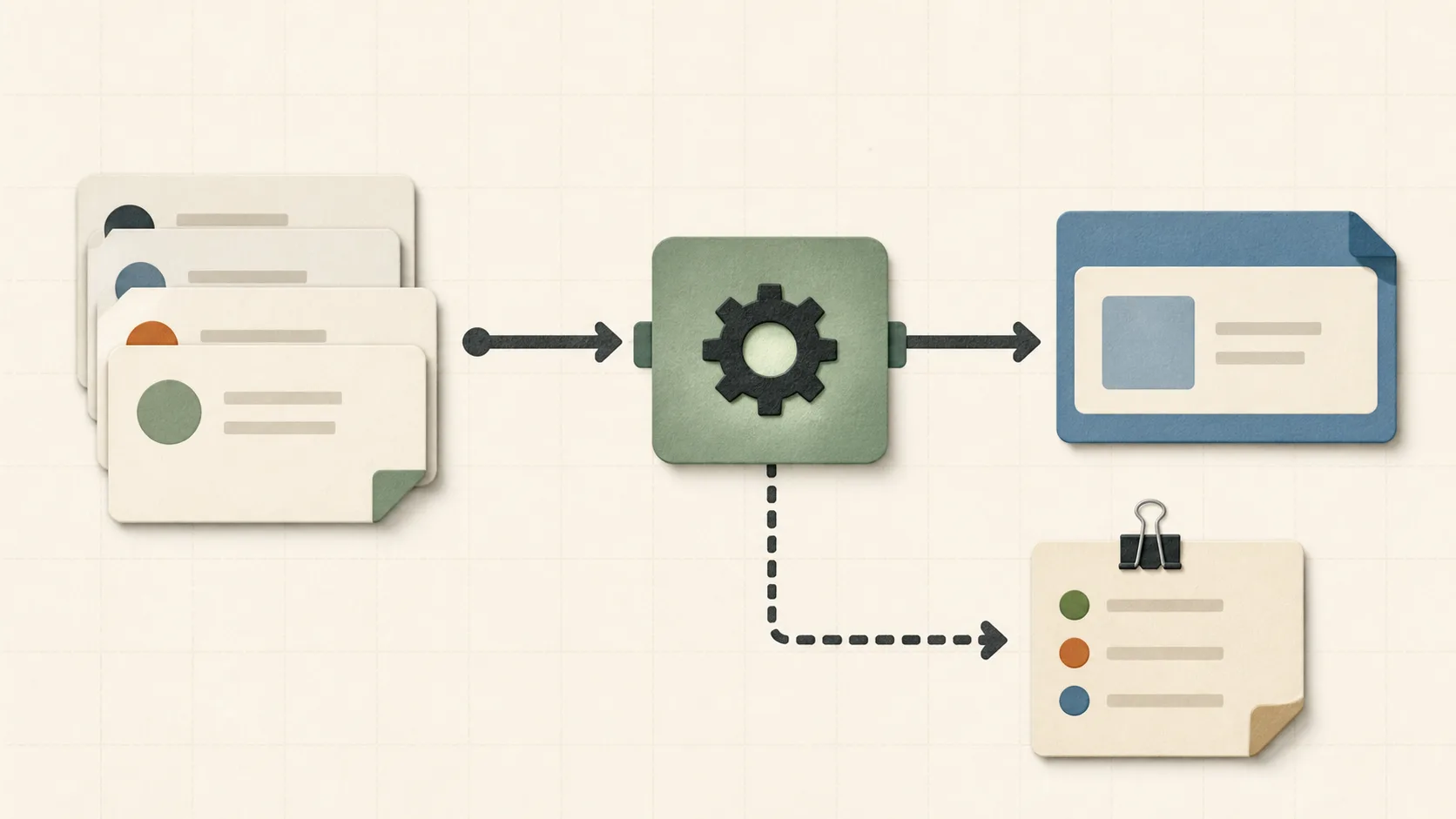
Practical use and limits
Use it for: Pick one repeated task and record its before-and-after time for a week. A first automation should have small inputs, a visible result, and a manual fallback.
Limits: Include setup, debugging, security review, and maintenance in the cost; a task that runs once a month may not deserve a new service or secret.
Make repeated work visible#
Start by writing down the tasks you repeat for a week: cleaning a CSV, renaming screenshots, checking a deployment, or copying the same links into a release note. The list is valuable even before you automate it because it shows where your attention leaks. I look for tasks that happen at least twice a week and have a clear input and output. Those are safer first candidates than vague goals such as “automate marketing.”
Automate the edges first#
The most reliable automations sit at the edges of a workflow. A shell script can validate a set of files before they enter a project. A browser shortcut can turn a long URL into a clean markdown link. A scheduled reminder can make an infrequent task visible. These tools do not need to understand the whole business; they only need to remove one repeated handoff.
Keep the escape hatch#
Every automation should fail clearly. Print what the tool is doing, validate inputs, and leave the original files untouched until the result is checked. If the script breaks, the manual path should still be obvious. This is why tiny scripts are often better for solo makers than a large automation platform: there are fewer hidden states and fewer credentials to rotate.
Review the savings honestly#
An automation is not successful because it is clever. It is successful when it saves more time than it costs to maintain and makes fewer mistakes than the old process. I revisit tools after a month and keep a short note: what problem it solves, what it assumes, and when it should be removed. A neglected automation is just another form of technical debt.
Use a small scoring worksheet#
Before building anything, estimate monthly repetitions, minutes spent per repetition, the share a tool can safely remove, setup time, and likely monthly maintenance. A useful rough score is monthly time removed minus monthly maintenance, with setup time recorded separately. Then add two non-time questions: how expensive is a wrong result, and can a person notice the failure before it causes damage? A ten-minute formatter may deserve automation when it runs daily and produces an inspectable diff. A monthly task that writes directly to production may not, even if its manual version takes an hour.
A real example from this site: bilingual content checks#
aifincode keeps English articles in one content file and Chinese translations in another. The repeated risk is mechanical: a missing slug, a different section order, untranslated visual metadata, or a broken image path. The site's `npm run seo:audit` command parses both TypeScript files and rejects those mismatches before deployment; `npm run build` then checks the static article routes. The script does not judge whether a translation is good or a claim is true. Those decisions remain manual. This boundary works because the automation handles countable invariants while the author reviews meaning.
Design the failure output before the happy path#
A useful tool says which input failed, what it expected, and what the operator should do next. Prefer a dry-run mode or inspectable diff for file changes, non-zero exit codes for validation failures, and an explicit list of skipped items. Never log secrets to make debugging easier. If a job calls an API, set a timeout, cap retries, and make repeated execution safe where possible. The recovery note can be only three lines—how to run manually, where the last good output lives, and how to disable the automation—but writing it before launch exposes hidden dependencies.
Keep a one-page tool record#
For each surviving automation, record its owner, trigger, inputs, outputs, credentials, failure signal, manual fallback, and last review date. Add the command or link needed to disable it. This is intentionally smaller than a runbook for a large service; the goal is to prevent a forgotten browser extension, scheduled job, or shell script from becoming invisible infrastructure. Review the record when an operating system, API, repository layout, or account permission changes, and delete the tool when its original task disappears.
Frequently asked questions
What should I automate first?
Choose a repetitive task with a stable input, a predictable output, and a manual fallback. Avoid automating a process that is still changing every few days.
How do I know whether an automation still saves time?
Record how often it runs, the manual minutes removed, maintenance time, failure rate, and recovery time. Review those numbers after the first month and after major dependency changes.
Should a small script use production credentials?
Only when the task genuinely requires them and the credential is narrowly scoped. Prefer read-only access, short-lived credentials, dry runs, explicit approval for writes, and logs that never expose secrets.